
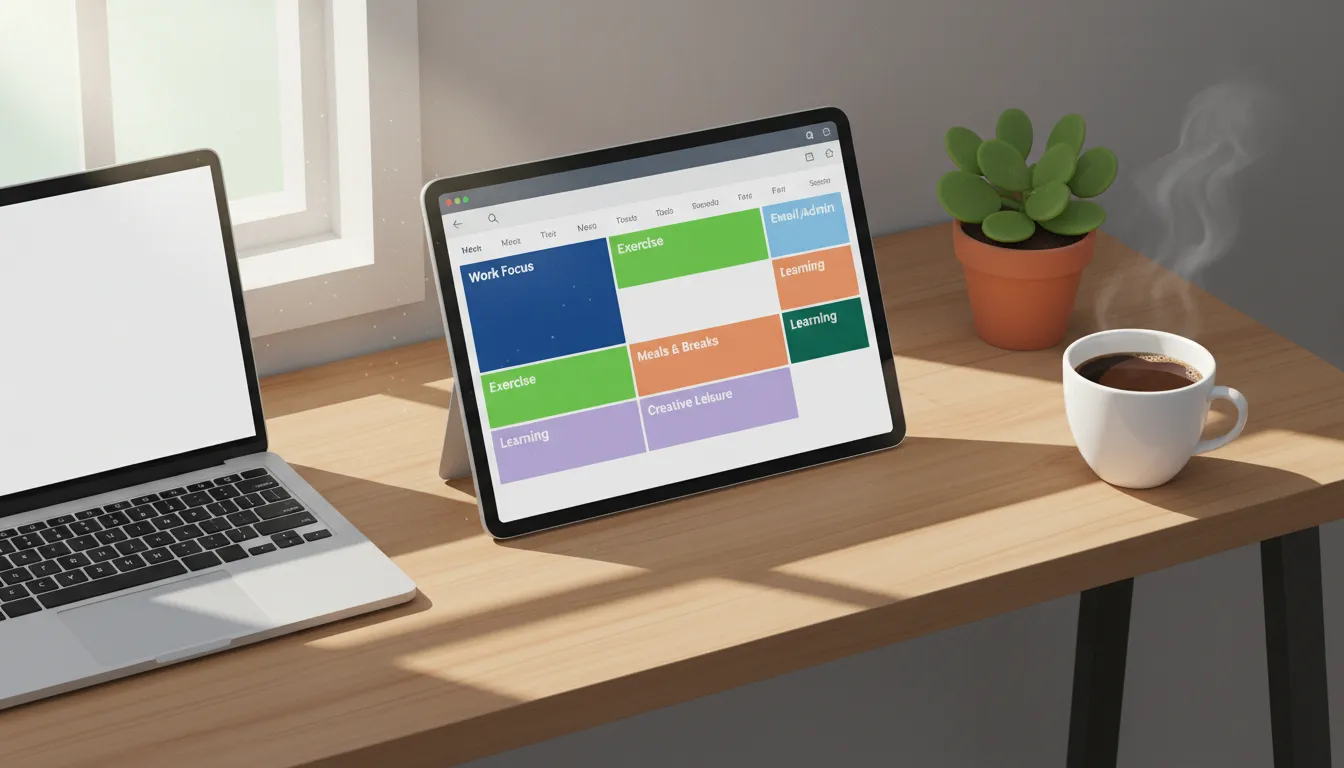
This comprehensive guide explains the core principles of structuring your day using focused intervals. You will discover actionable steps, expert tips, and common pitfalls to avoid, equipping you with the exact framework needed to maximize efficiency and transform your daily workflow.
Understanding the Psychology of Structured Scheduling
Our brains struggle with multitasking. When you jump between emails, projects, and meetings, you experience context switching. This constant shifting drains cognitive energy and leaves you feeling exhausted by mid-afternoon. Learning how to use the time blocking method effectively eliminates this friction. By dedicating specific hours to single tasks, you allow your brain to enter a state of deep focus.
The concept relies on Parkinson’s Law, which states that work expands to fill the time available for its completion. By setting strict boundaries on your calendar, you create an artificial deadline that forces efficiency. Research from organizations like the American Psychological Association highlights that multitasking can reduce productivity by up to 40%. Structuring your day into dedicated segments mitigates this loss and reclaims hours of lost focus.
Step-by-Step Guide to Implementation
Transforming a chaotic to-do list into a streamlined calendar requires a deliberate approach. Follow these actionable steps to build a functional and realistic schedule.
Step 1: Audit Your Current Routine
Before you build a new schedule, you must understand where your hours currently go. Spend three days tracking your activities. Note when you feel most energetic and when you hit a mid-day slump. Identifying your natural biological rhythms helps you map high-focus work to your peak energy periods.
Step 2: Define and Prioritize Tasks
Not all tasks hold the same value. Review your weekly goals and categorize your work. Separate deep work—tasks requiring intense cognitive effort—from shallow work, such as replying to emails or organizing files. You can incorporate task batching here by grouping similar low-effort tasks together.
Step 3: Allocate Specific Calendar Slots
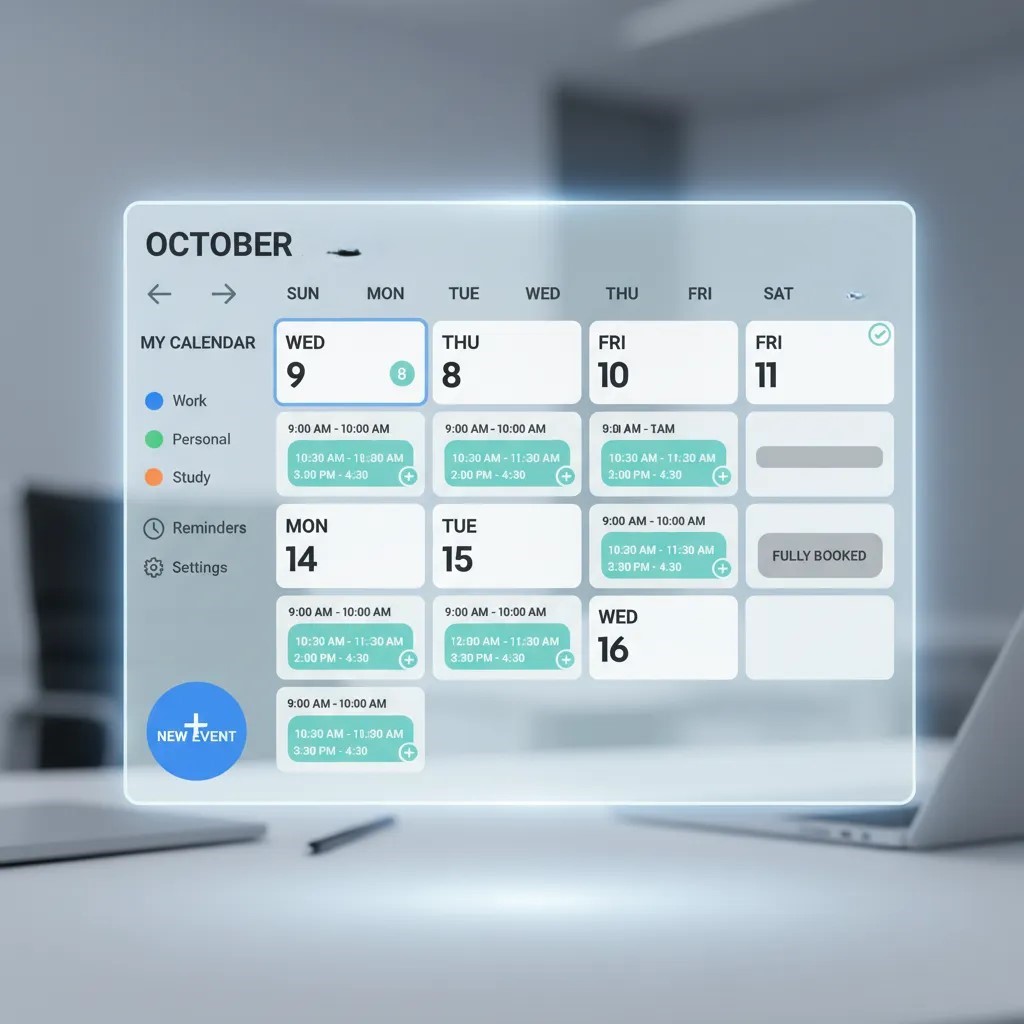
Open your calendar application and begin assigning specific blocks to your prioritized tasks. Start by anchoring your non-negotiable commitments, like team meetings and appointments. Next, schedule your deep work sessions during your peak energy hours.
Step 4: Include Buffers and Breaks
One of the fastest ways to fail at this system is scheduling every minute of the day without breathing room. Meetings run late, and emergencies arise. Add 15-minute buffers between major blocks. Schedule your lunch and short walking breaks just as rigorously as you schedule your quarterly planning sessions.
Comparing Productivity Frameworks
Understanding how this approach stacks up against other popular strategies helps you tailor it to your needs.
|
Feature |
Time Blocking |
Pomodoro Technique |
Traditional To-Do Lists |
|---|---|---|---|
|
Focus Style |
Scheduled, task-specific intervals |
25-minute sprints with breaks |
Unstructured task completion |
|
Flexibility |
Moderate (requires calendar adjustments) |
High (can start/stop anytime) |
Very High |
|
Best For |
Deep work, managing complex projects |
Overcoming procrastination |
Simple, daily chores |
|
Planning Required |
High (usually planned daily or weekly) |
Low |
Low |
Pro Tips for Maximum Efficiency
Achieving peak performance requires fine-tuning your approach. Experts often recommend a few advanced strategies to optimize your calendar.
- Plan the Night Before: Do not waste your valuable morning energy deciding what to do. Spend ten minutes at the end of your workday mapping out tomorrow’s blocks.
- Color-Code Your Calendar: Visual cues help your brain process your day at a glance. Use blue for deep work, green for meetings, and yellow for administrative tasks.
- Implement Thematic Days: If your role allows it, dedicate entire days to specific themes. For example, use Mondays for planning, Tuesdays for content creation, and Fridays for administrative cleanup.
- Embrace Flexibility: Your schedule is a guide, not a prison. If an urgent issue forces you to miss a block, simply adjust the remaining blocks and move forward.
According to management insights from the Harvard Business Review, proactive calendar management is one of the strongest predictors of executive success and sustained productivity.
Common Mistakes to Avoid
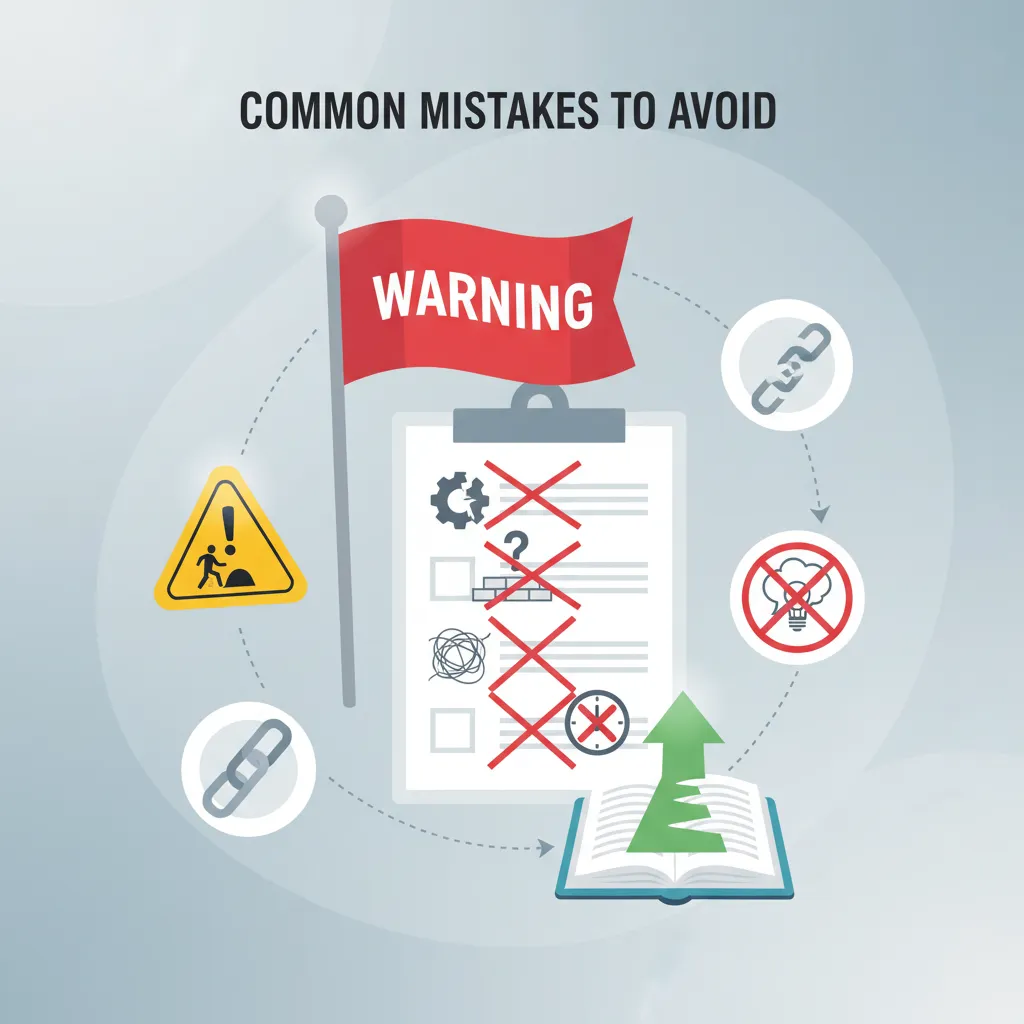
Even highly motivated professionals stumble when first adopting this routine. Watch out for these frequent pitfalls.
Underestimating Task Duration
People suffer from the planning fallacy, constantly assuming tasks will take less time than they actually do. When starting out, multiply your estimated time by 1.5. If you finish early, you gain bonus time to tackle your email management or simply take a break.
Creating Overly Rigid Schedules
Treating your calendar blocks as unbreakable rules leads to frustration. Life happens. Clients call with emergencies and software crashes. Build a responsive schedule. Leave one or two empty blocks near the end of the day to catch the overflow from tasks that took longer than expected.
Ignoring Your Personal Life
Productivity applies to your personal life, too. If you do not schedule time for exercise, reading, or family dinners, work will inevitably bleed into those hours. Block out your personal commitments first to ensure you maintain a healthy work-life balance. Utilizing strategies from Mayo Clinic regarding stress management can help you understand the importance of boundaries.
Integrating Digital Tools

While a simple piece of paper works, digital tools elevate your organizational capacity. Calendar apps like Google Calendar or Outlook serve as the foundation. You can pair these with project management software to link specific tasks to your scheduled intervals. Some applications automatically silence your notifications during designated deep work sessions, ensuring zero interruptions.
Conclusion
Mastering how to use the time blocking method requires patience, but the productivity gains are substantial. By dividing your day into purposeful segments, you eliminate decision fatigue and accomplish your biggest goals. Start mapping out your calendar today and watch your focus and output soar to new heights.
Frequently Asked Questions
What is the difference between timeboxing and this framework?
Timeboxing involves setting a strict time limit on a task, meaning you stop working on it when the time is up, regardless of completion. The technique discussed in this article focuses on reserving a chunk of time to work on a task, but the goal is progress or completion without necessarily forcing a hard stop if you need a few extra minutes.
Can you apply this technique to a highly unpredictable job?
Yes, but you must adapt it. Instead of planning eight hours of rigid tasks, schedule only three or four hours of proactive work. Leave the rest of your calendar open as “reactive blocks” to handle the unexpected emergencies that characterize your role.
How long should each scheduled block ideally last?
Most cognitive experts recommend blocks lasting between 60 and 90 minutes for deep work. This aligns with ultradian rhythms, allowing your brain to focus intensely before needing a recovery period. For shallow work, 30-minute intervals usually suffice.
What happens if I do not finish my task within the allotted period?
Do not panic. If you have immediate free time later in the day, move the task to that slot. Otherwise, wrap up your current thought process, make a note of where you left off, and schedule a new block for the following day to complete it.
Should I schedule my personal tasks and breaks too?
Absolutely. Scheduling your lunch, exercise, and short mental breaks ensures they actually happen. Putting personal tasks on your calendar elevates their importance and prevents work responsibilities from consuming your downtime.
How does this technique help with ADHD?
Structuring your day this way provides visual externalization of time, which benefits individuals with ADHD. It breaks overwhelming projects into manageable pieces and reduces the anxiety of figuring out what to do next, thereby lowering the barrier to starting a task.
What are the best digital tools for organizing my calendar?
Google Calendar and Microsoft Outlook are the most accessible and widely used. For more advanced features, tools like Motion, Skedpal, or Sunsama integrate your to-do list directly into your daily calendar and auto-adjust based on your availability.
How do I handle unexpected urgent requests or meetings?
Evaluate the true urgency of the request. If it can wait, add it to a “catch-all” block later in the day. If it is a true emergency, address it immediately and shift your remaining calendar blocks down or move non-essential tasks to tomorrow.
Is it better to plan my day the night before or the morning of?
Planning the night before is generally superior. It allows your brain to disconnect from work, knowing tomorrow is organized. When you wake up, you avoid decision fatigue and can immediately dive into your first productive task.
How long does it take to form a habit with this productivity system?
It typically takes two to three weeks of consistent practice for the system to feel natural. Expect friction during the first few days as you learn to accurately estimate task durations and build the discipline to stick to your calendar.